
Create Your Perfect Eye-Friendly Workspace
Transform your office environment with expert guidance on lighting, ergonomic equipment, and intelligent storage solutions. Learn how proper workspace design reduces eye strain and boosts productivity.
Whether you work from home or in a traditional office, the right setup makes all the difference. Discover evidence-based strategies from the Ergonomiceyecare editorial team.
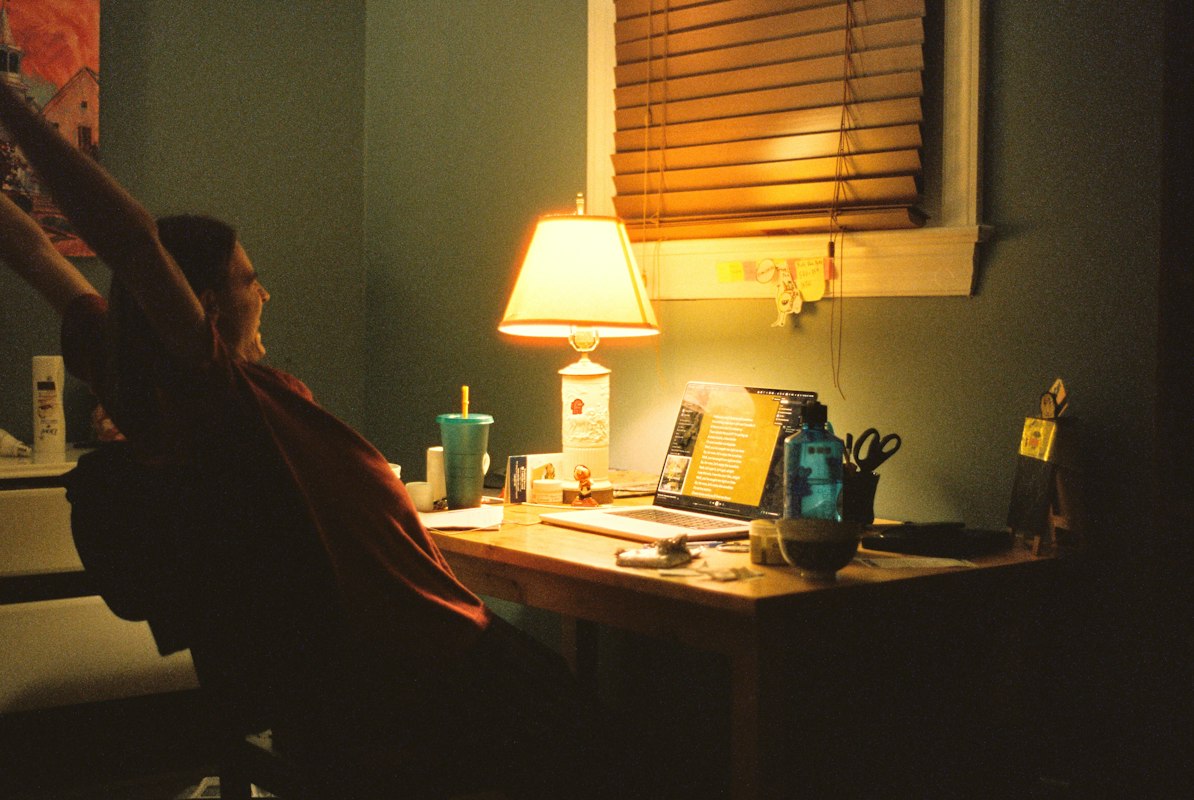
Why Workspace Design Matters
Your environment directly impacts your visual health and work performance. Poor lighting, inadequate equipment, and disorganized storage create unnecessary strain that accumulates over time.
Smart Lighting
Proper illumination reduces glare, eliminates shadows, and supports natural circadian rhythms for better focus and eye comfort throughout the day.
Ergonomic Setup
Strategic positioning of your monitor, keyboard, and desk reduces strain on your eyes, neck, and shoulders, allowing you to work comfortably for extended periods.
Organization
Well-planned storage keeps your workspace tidy and accessible, minimizing visual clutter and the eye fatigue that comes from searching for essential items.
Productivity
When your workspace supports your comfort, you experience fewer distractions and better concentration, leading to improved work output and satisfaction.
Essential Workspace Components
Optimize your environment across these critical areas. Each element plays a vital role in creating a comfortable, productive space.
Lighting Solutions
Discover layered lighting strategies: ambient overhead lighting, task lighting for focused work, accent lighting for visual hierarchy, and screen-specific adjustments. Learn about color temperature, brightness levels, and positioning to eliminate glare and shadows.
Read our lighting guideEquipment Setup
Explore optimal positioning for monitors, keyboards, mice, and other devices. Understand the 20-20-20 rule for eye rest, ideal viewing distances, screen height alignment, and peripheral device placement to maintain comfort and reduce visual strain throughout your workday.
Explore setup tipsStorage & Organization
Master storage strategies that reduce visual clutter and minimize eye fatigue. Learn about filing systems, shelving placement, desk organization, color-coding methods, and accessibility principles that keep your workspace both functional and visually restful.
Browse our articlesReady to Transform Your Workspace?
Access our comprehensive guides, expert tips, and practical strategies for creating an eye-friendly environment. Discover how small changes can make a significant difference in your daily comfort and productivity.
What Our Readers Say
Real experiences from people who applied our workspace recommendations to their offices and home setups.
"
I implemented the three-point lighting system from your guide and noticed an immediate difference in my eye comfort. My afternoon headaches have decreased significantly. The setup tips were practical and easy to follow. Finally found an article that doesn't just recommend expensive gadgets but focuses on smart positioning and affordable solutions.
Maria Santos
Davao
"
As someone working from home for the past three years, I thought my setup was fine. The equipment positioning article showed me several mistakes I was making with my monitor height and keyboard placement. After adjustments, my wrist pain reduced and my focus improved dramatically. The organizational tips also transformed my desk chaos into something manageable and visually calming.
Rafael Cruz
Quezon City
"
I shared the lighting guide with my entire team at work. Everyone appreciated how detailed yet accessible it was. We implemented some of the recommendations in our office space, and people noticed better productivity and fewer complaints about glare. The science behind color temperature and brightness levels made it easy to justify improvements to management. Highly informative content.
Jennifer Reyes
Makati
Workspace Inspiration Gallery
See real examples of eye-friendly workspaces that balance functionality, comfort, and aesthetic appeal.
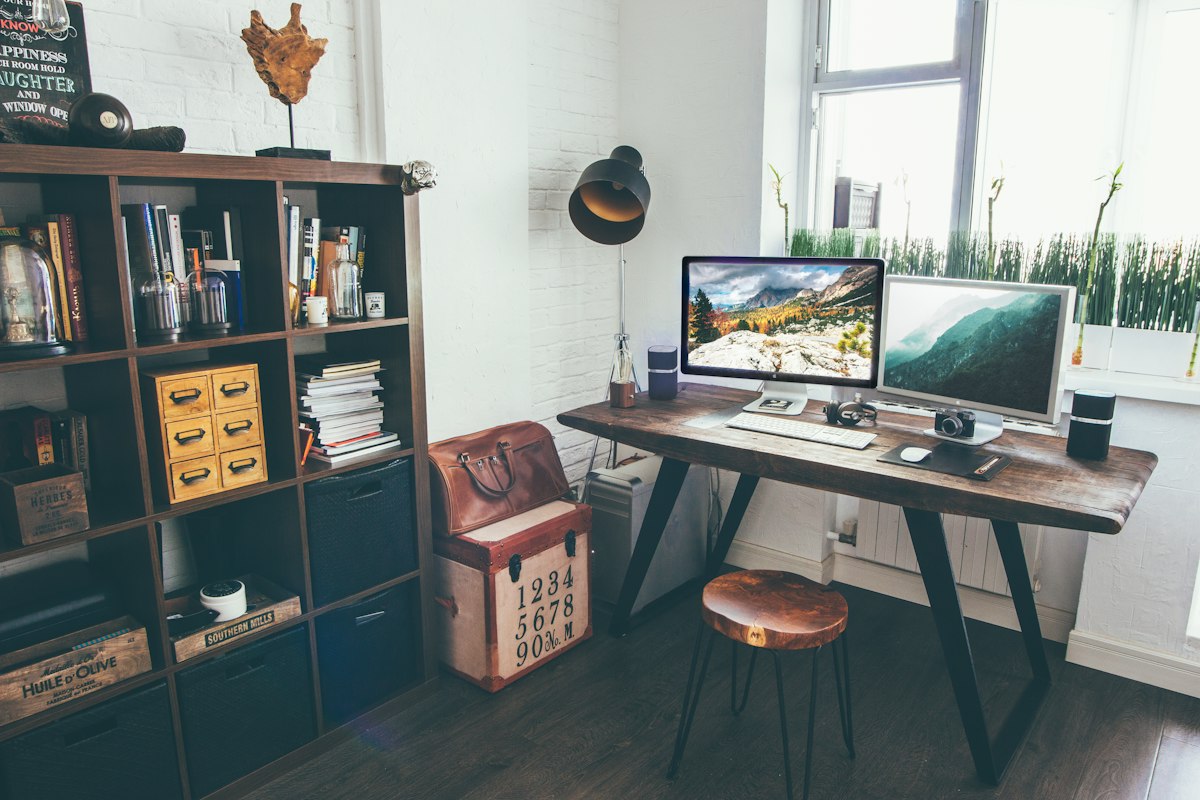
Natural Light Home Office
Strategic window positioning with secondary task lighting and neutral color palette
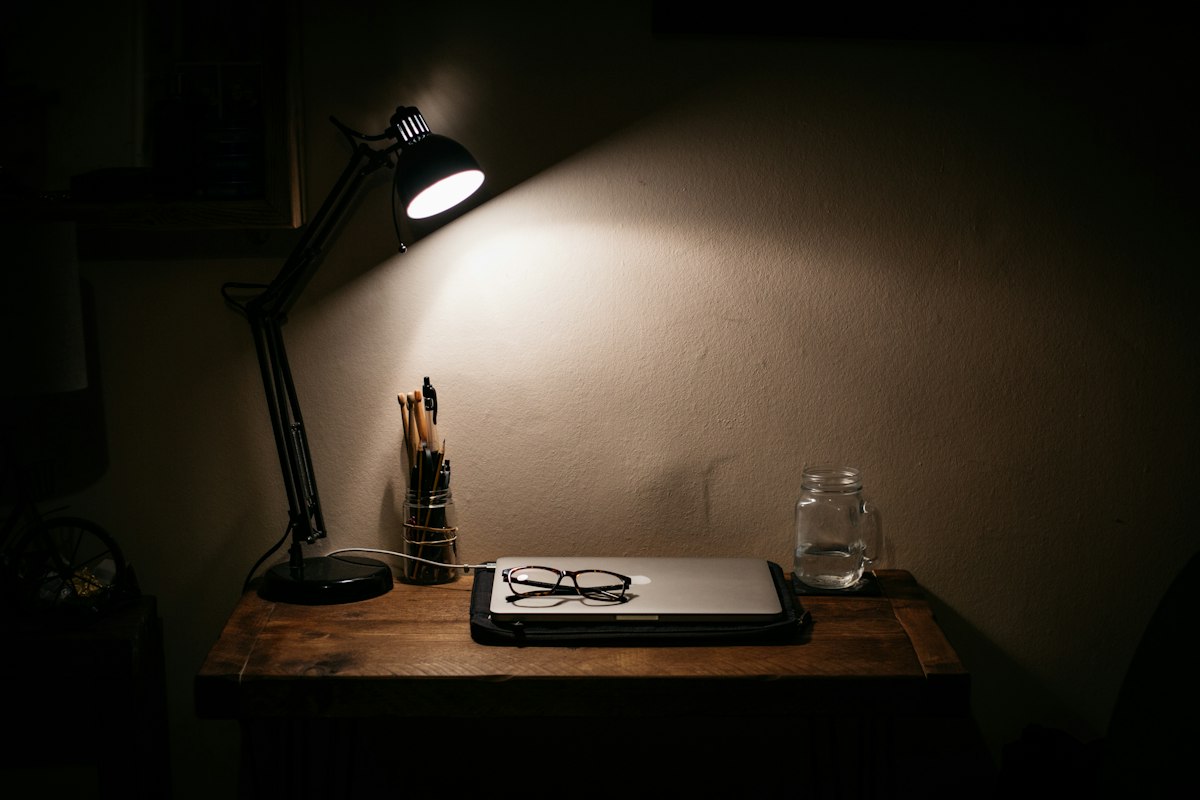
Corporate Setup
Professional environment with layered lighting, proper equipment spacing, and storage architecture

Minimalist Productivity Space
Reduced visual clutter with focused task lighting and accessible storage within arm's reach
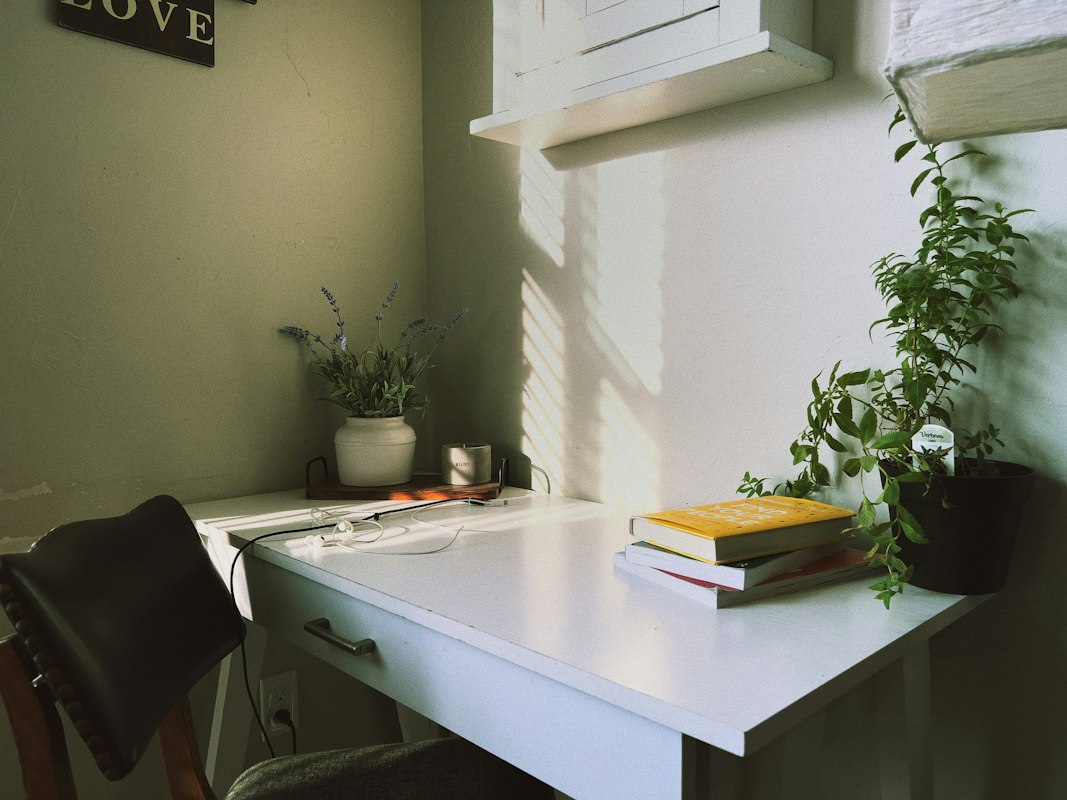
Ergonomic Standing Workspace
Flexible setup with adjustable components, proper device alignment, and dedicated rest space
Workspace Organization Benefits
Understand how thoughtful storage and organization directly impact your visual comfort and work efficiency.
Reduced Eye Fatigue
When everything has a designated place, you spend less time scanning and searching for items. This reduces unnecessary eye movement and mental strain, allowing you to maintain focus on actual work tasks.
Improved Circulation
Organized storage encourages movement throughout your workspace. Reaching for items distributed across your environment promotes healthy blood flow and prevents the stiffness that comes from static sitting.
Mental Clarity
A visually organized space reduces cognitive load. Your brain can process an organized environment more easily, leading to better concentration and fewer distracting visual interruptions during work.
Quick Problem Solving
Accessible tools and references mean faster task completion. When you can quickly find what you need without visual searching, you maintain productivity momentum and reduce interruption-related eye strain.
Professional Environment
An organized workspace reflects professionalism and sets a psychological tone for productive work. This mental state naturally leads to better work habits and fewer stress-related vision issues.
Long-Term Sustainability
Good organization habits create systems you can maintain easily. Sustainable practices mean consistent comfort over weeks and months, building cumulative benefits for your visual and physical health.
Frequently Asked Questions
Get answers to common questions about creating and maintaining an eye-friendly workspace.
The ideal lighting level for computer work ranges from 300 to 500 lux (units of illumination). This is significantly lower than general office lighting, which is typically 750-1000 lux. The key is avoiding glare while maintaining enough brightness to see your screen and surrounding environment comfortably. Most experts recommend layered lighting with dimmer overhead lights supplemented by focused task lighting directed at your work surface, not directly at your screen.
Your monitor should be positioned at an arm's length away—typically 20 to 28 inches (50-70 centimeters). The top of your screen should be at or slightly below eye level when sitting upright. This distance and angle reduce the accommodation work your eyes must do and minimize strain. Additionally, your screen should be tilted slightly upward (10-20 degrees) so you're looking down at it rather than straight ahead or upward, which helps keep your eyelids more open for better tear film coverage.
The 20-20-20 rule is a simple eye rest technique: every 20 minutes, take a 20-second break and look at something at least 20 feet away. This allows your eye's focusing muscles to relax. When you focus on your screen for extended periods, your ciliary muscles (which adjust lens focus) become fatigued. Looking at a distant object relaxes these muscles and reduces eye strain. You can use phone reminders or productivity apps to help maintain this habit throughout your workday.
Reduce glare through multiple strategies: position your monitor perpendicular to windows rather than facing them directly, use anti-glare screen protectors or matte filters, install light-filtering curtains or blinds, adjust your monitor's brightness and contrast to match your environment, and use indirect or task-specific lighting. Reflective glare creates significant eye strain because your eyes must work harder to distinguish screen content from reflections. Many professionals also find that slightly increasing screen brightness (within comfortable limits) helps compensate for ambient light without requiring you to increase surrounding lighting.
Effective desk storage includes vertical shelving (utilizing wall space), drawer organizers, desktop file holders, and labeled containers. Store items you use daily within arm's reach, weekly items slightly further away, and reference materials at eye level for easy access without bending. Use clear containers when possible so you can identify contents without opening them. Color-coding systems help your brain quickly categorize items. Keep your immediate work surface clear of non-essential items—this reduces visual clutter and makes it easier to maintain focus. Consider modular storage systems that can be adjusted as your workspace needs evolve.
Blue light filters can be helpful, particularly for evening work. Screens emit blue light wavelengths that can interfere with melatonin production and sleep quality, especially when working late. Many modern devices have built-in blue light reduction modes (like Night Shift on Apple devices or Night Light on Windows). However, blue light alone isn't the primary cause of eye strain—screen glare, inadequate lighting, improper positioning, and lack of breaks matter more. Using blue light filters works best as part of a comprehensive approach that includes proper lighting, monitor positioning, and regular eye rest breaks.
Stay Updated With Our Content
Subscribe to receive our latest articles on workspace optimization, lighting design, and equipment recommendations directly in your inbox.
We respect your privacy. Unsubscribe at any time. No spam, just workspace insights.
Start Building Your Perfect Workspace
Whether you're optimizing a home office, updating a corporate space, or simply looking to improve your comfort, our detailed guides and expert articles provide actionable recommendations you can implement immediately.