
Transform Your Workspace Into an Eye-Friendly Haven
Discover how proper lighting, strategic storage, and ergonomic equipment work together to reduce eye strain and boost productivity. Learn the fundamentals that workspace designers and productivity experts recommend.
Why Workspace Design Matters
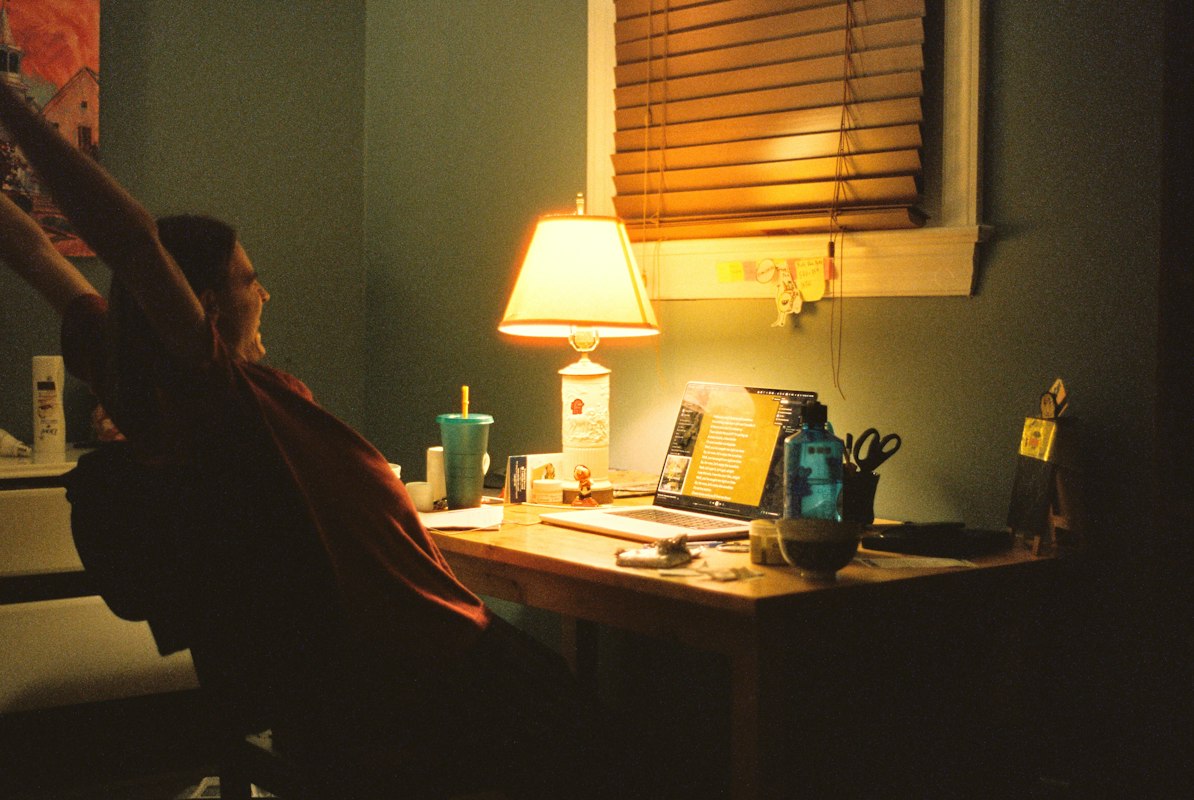
An organized, well-lit workspace isn't just comfortable—it's essential for sustained focus and eye health. Studies suggest that poor lighting and disorganized storage can significantly increase eye strain. Let's explore the key principles.
Optimal Lighting
Proper light reduces eye strain, improves focus, and supports natural circadian rhythms for better sleep and productivity.
Smart Storage
Organized storage eliminates visual clutter, reduces decision fatigue, and keeps frequently used items within arm's reach.
Ergonomic Setup
Proper posture and equipment alignment prevent neck strain and digital eye fatigue, supporting long hours of comfortable work.
Productivity Boost
A harmonious workspace environment leads to better concentration, fewer breaks, and higher quality work output throughout the day.
Lighting Fundamentals for Reduced Eye Strain
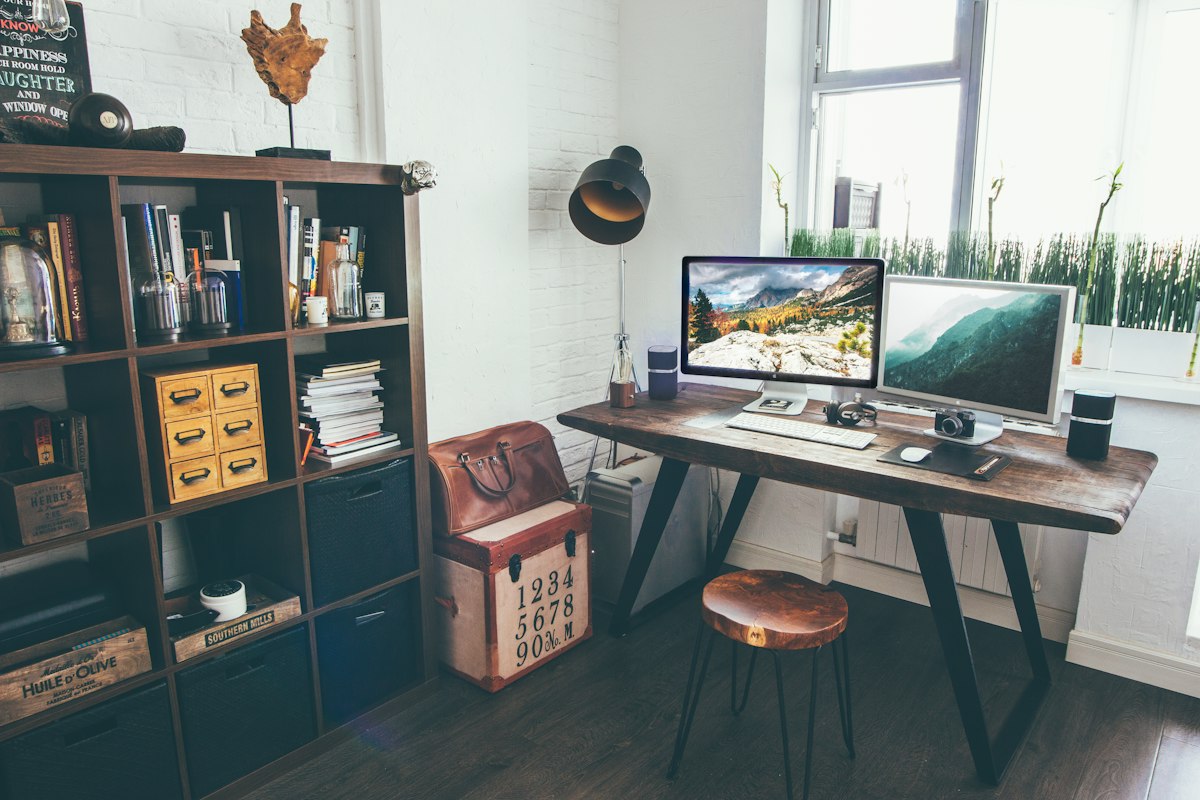
Lighting is the cornerstone of an eye-friendly workspace. The right combination of natural and artificial light supports visual comfort and maintains healthy circadian rhythms.
Natural Light Maximization
Position your desk near windows when possible. Natural light boosts alertness and reduces reliance on artificial sources that can cause glare.
Anti-Glare Positioning
Place your monitor perpendicular to windows and away from overhead lights. This prevents reflections and reduces contrast-induced fatigue.
Layered Lighting Strategy
Combine ambient, task, and accent lighting. Use 4000K–5000K color temperature bulbs that mimic daylight without blue-light harshness.
Dimming and Flexibility
Install dimmers or adjustable lighting fixtures so you can adapt brightness throughout the day. Morning brightness supports alertness; evening dimming aids relaxation.
Storage Solutions for Organized Workspaces
A clutter-free workspace reduces visual distraction and eye fatigue. Strategic storage keeps your essentials accessible while maintaining a clean visual environment.
Desktop Organization
Keep only active items on your desk—monitor, keyboard, mouse, and immediate supplies. Store everything else in drawers or wall-mounted shelves within arm's reach but out of the direct line of sight.
- Cable management clips to prevent tangled wires
- Desk organizers for pens, notepads, and small tools
- Vertical shelving above the desk for reference materials
File and Document Storage
Digital filing systems and labeled physical folders reduce search time and mental clutter. A well-organized file structure means less squinting at screens to find information.
- Color-coded file folders for quick visual identification
- Label maker for clear, readable categorization
- Closed filing cabinets to keep documents dust-free
Equipment and Supply Storage
Designate specific locations for peripherals, power cables, headphones, and backup supplies. This prevents visual clutter and makes maintenance straightforward.
- Drawer dividers for small electronics and accessories
- Cable storage boxes or sleeves to hide wiring
- Wall-mounted pegboards for frequently used tools
Reference Material Shelving
Books, notebooks, and reference guides should be within easy reach but not blocking your line of sight to the monitor. Adjustable shelving adapts to your changing needs.
- Floating shelves for a modern, space-saving look
- Bookends or storage boxes to contain larger items
- Labeled spines for quick identification at a glance
Waste and Recycling Management
Keep a small waste bin and recycling container discreetly positioned beside your desk. Regular decluttering maintains a clean visual workspace and supports focus.
- Compact bins that match your desk aesthetic
- Regular emptying schedule to prevent overflow
- Separate compartments for paper, plastic, and compost
Personal Items and Decoration
Intentional decoration creates a pleasant work environment without overwhelming the visual field. Choose calming colors and minimal décor to support concentration.
- Small potted plants for air quality and visual interest
- One or two meaningful photos or artwork pieces
- Closed storage for personal items not in daily use
Equipment Setup Best Practices
The right equipment positioned correctly reduces eye strain and supports long-term comfort. Follow these ergonomic guidelines for optimal setup.
Monitor Positioning
Place your monitor at arm's length away (20–24 inches), with the top of the screen at or slightly below eye level. The screen should be tilted up by 15–20 degrees to reduce neck strain and glare. This positioning aligns with the 20-20-20 rule: every 20 minutes, look at something 20 feet away for 20 seconds.
Keyboard and Mouse Placement
Keep your keyboard and mouse at elbow height, with your elbows at a 90-degree angle. Your wrists should be in a neutral position—not bent up or down. This reduces repetitive strain injury and supports sustained focus without discomfort that distracts from work.
Chair and Desk Height
Invest in an adjustable, supportive office chair with lumbar support. Your feet should rest flat on the floor or footrest, with your thighs parallel to the ground. A desk height of 28–30 inches is standard; an adjustable desk allows for sitting and standing alternation.
Display Technology
Use IPS or OLED monitors with adjustable brightness and color temperature. Modern displays with blue-light reduction features support evening work without disrupting sleep. Larger screens (24–27 inches) reduce the need for squinting and head movement.
Pro Tip: The 20-20-20 Rule
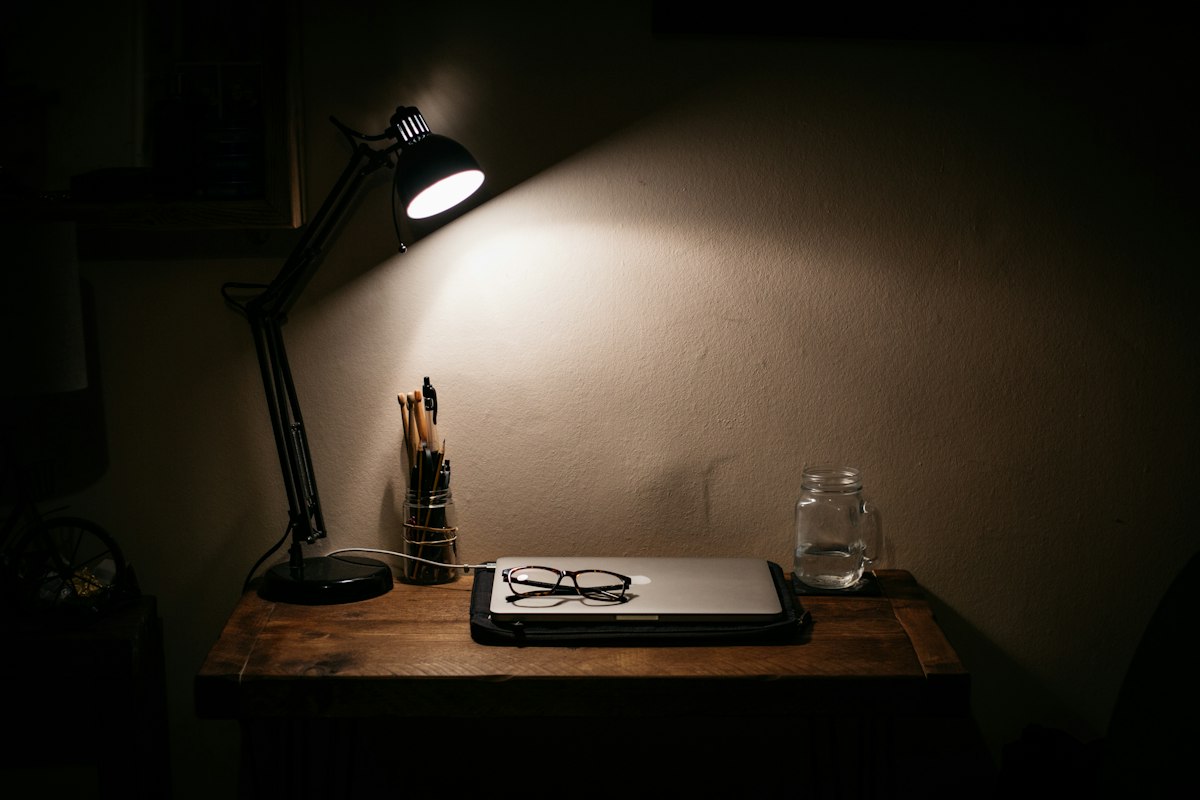
Every 20 minutes, shift your focus to an object at least 20 feet away for at least 20 seconds. This rest period allows your eye muscles to relax and reduces cumulative digital eye fatigue over the course of a workday.
Real Workspace Setups
Bright Home Office
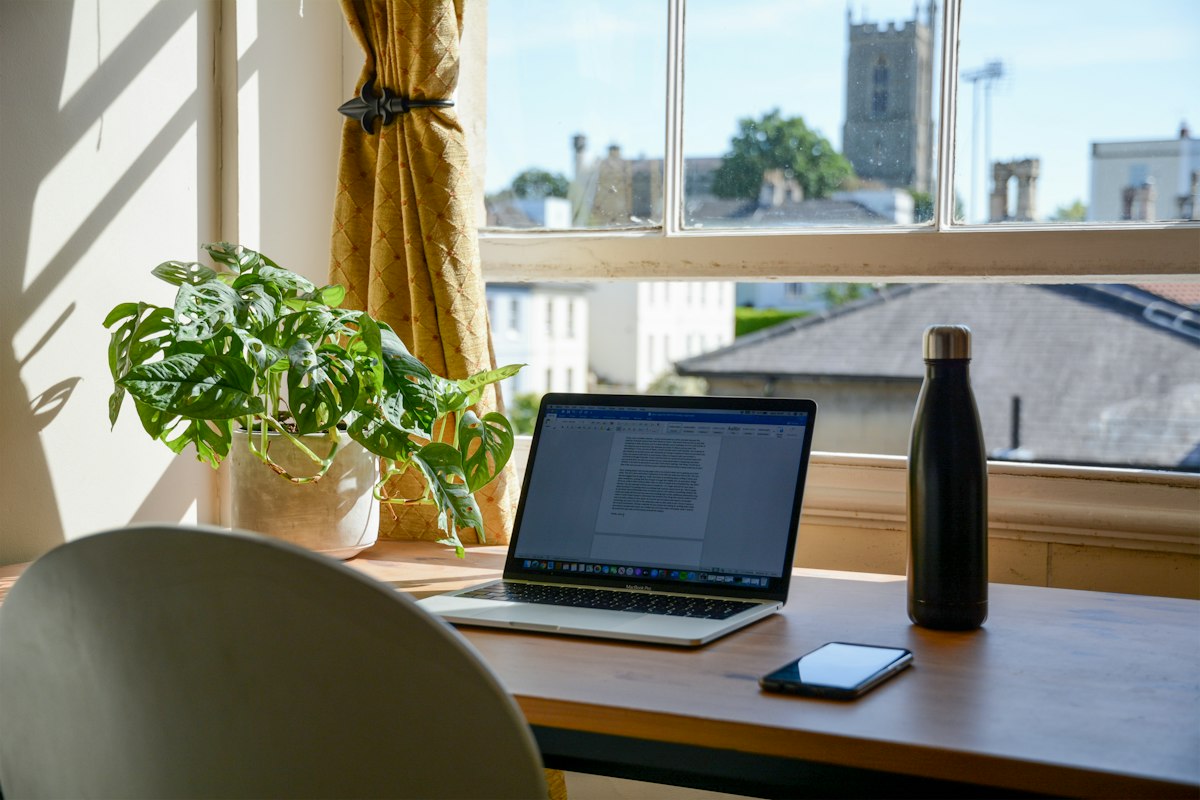
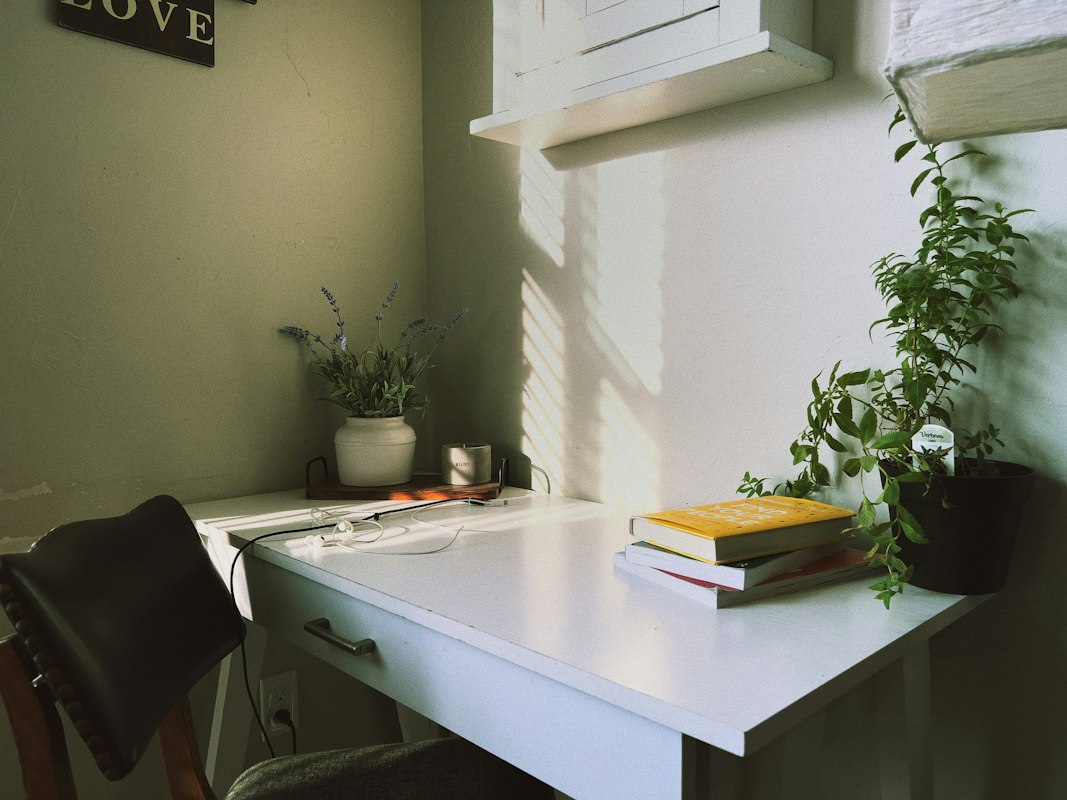
This setup maximizes natural light with large windows and complements it with adjustable task lighting. Clean storage keeps the desk clear, allowing focus on the monitor without visual distractions.
Space-Saving Compact Setup
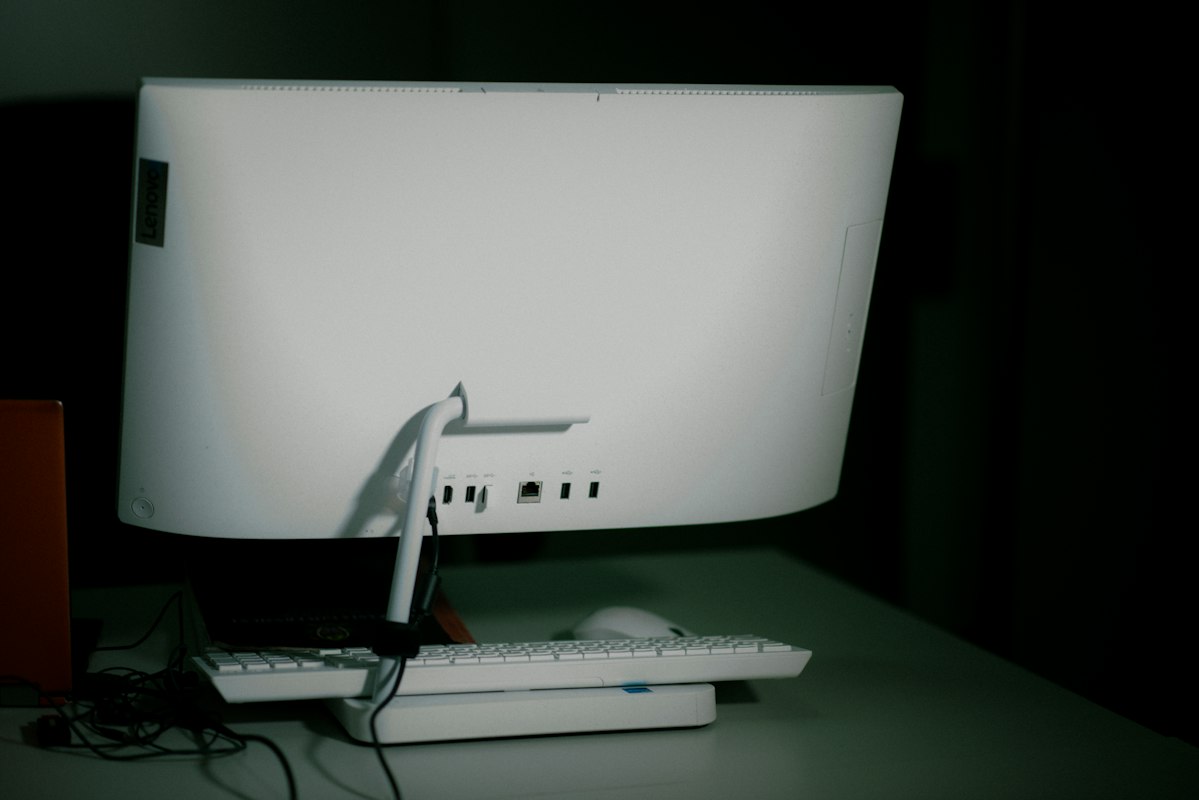
Vertical storage solutions and a single monitor create an efficient layout for smaller spaces. Everything is within arm's reach, and the minimal footprint reduces visual clutter.
Dual-Monitor Professional Station
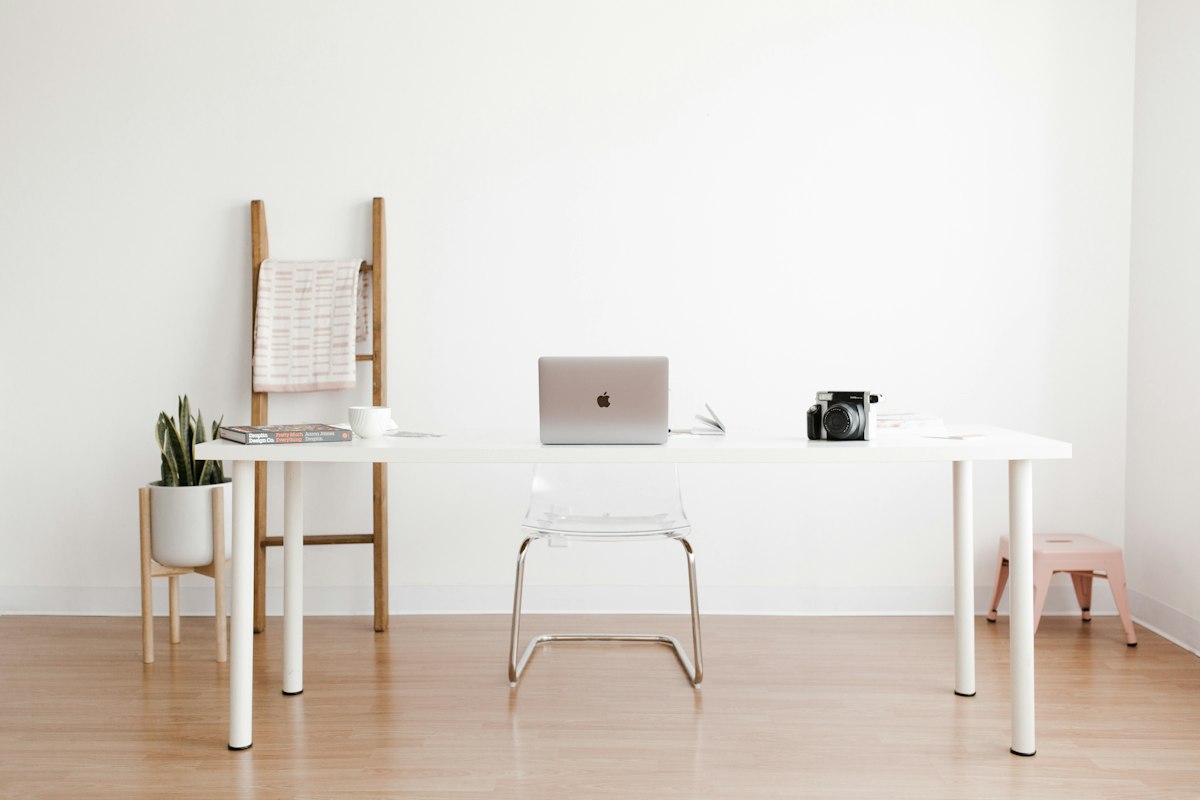
Multiple displays at proper eye level support content creation and multitasking. Ergonomic seating and organized storage behind the desk maintain comfort during extended work sessions.
Standing Desk Workspace
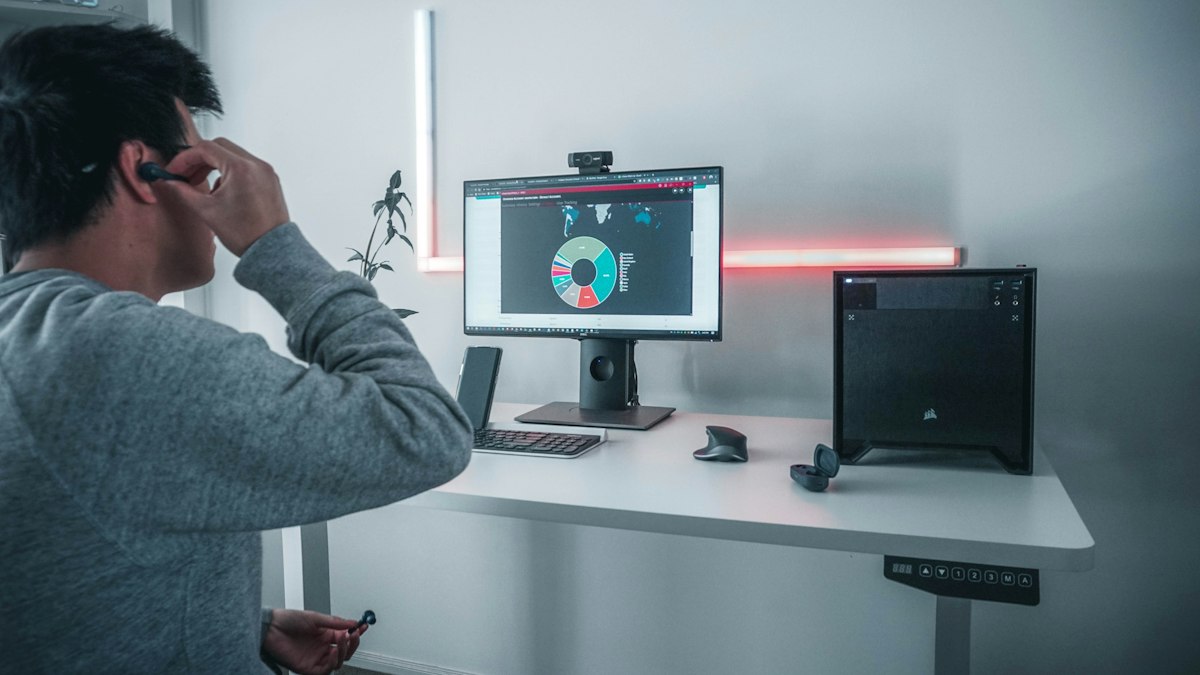
A height-adjustable desk with an anti-fatigue mat supports alternating sitting and standing. Accent lighting complements ambient brightness, reducing monitor contrast and eye strain.
Wellness-Focused Setup
Potted plants improve air quality and visual interest, while warm task lighting creates a calming atmosphere. Closed storage keeps supplies organized without visual disruption.
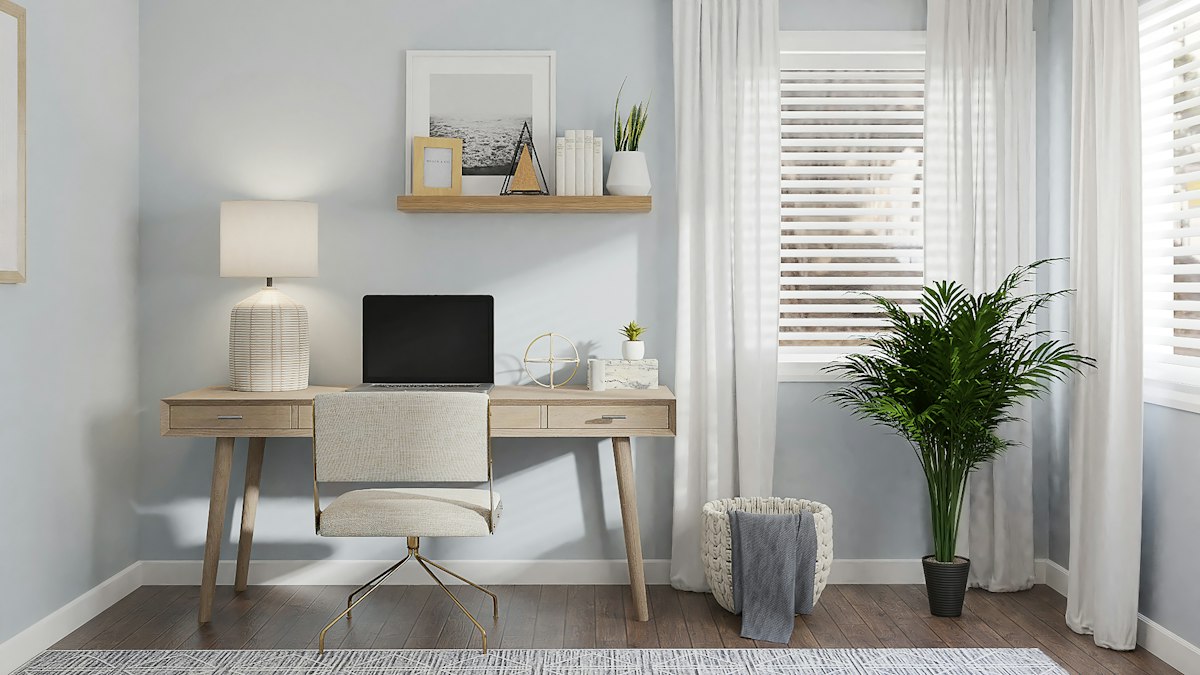
Minimalist Modern Setup
A monitor arm and cable management system create a clean aesthetic with minimal clutter. Neutral colors and thoughtful lighting support sustained focus and reduce visual cognitive load.
Your Workspace Transformation Checklist
Lighting
- Position desk near a window for natural light
- Install adjustable task lighting above desk
- Choose 4000K–5000K bulbs for daylight quality
- Add dimmers for brightness flexibility
- Reduce glare with monitor positioning
Storage & Organization
- Install vertical shelving or wall-mounted organizers
- Use drawer dividers for cable and small items
- Label all files and storage containers
- Keep desk surface clear of clutter
- Place waste and recycling bins nearby
Lighting & Screen Setup
- Position monitor at arm's length distance
- Top of screen at or slightly below eye level
- Reduce glare with anti-glare screen protector
- Use task lighting to reduce eye strain
- Enable blue light filter during evening hours
What Our Customers Say
Real experiences from professionals who prioritize their eye health
"After implementing these ergonomic eye care practices, my afternoon headaches completely disappeared. I can now work a full 8-hour day without fatigue."
Sarah Martinez
Software Developer
"The 20-20-20 rule changed everything for me. Simple but incredibly effective. My eyes feel fresher throughout the day."
James Kim
Digital Designer
"Worth every penny. The ergonomic setup recommendations have improved my productivity and my vision. Highly recommend!"
Emma Patterson
Marketing Manager
Frequently Asked Questions
Find answers to common questions about ergonomic eye care
How often should I take breaks from screen time?
The 20-20-20 rule is recommended: every 20 minutes, take a 20-second break and focus on something 20 feet away. This allows your eye muscles to relax and reduces digital eye strain significantly.
What is the ideal monitor distance and height?
Your monitor should be positioned at an arm's length distance (20-26 inches). The top of the screen should be at or slightly below eye level when you're sitting upright. This positioning reduces neck strain and eye fatigue.
Can blue light filters really help with eye strain?
Yes, blue light filters can help reduce eye strain, especially during evening hours. They decrease the amount of blue light reaching your eyes, which can interfere with sleep patterns. Using them 2-3 hours before bedtime is particularly beneficial.
What role does chair ergonomics play in eye health?
Proper chair ergonomics is crucial. An adjustable chair that supports your lower back and allows your feet to rest flat on the floor ensures correct posture. Good posture positions your eyes at the optimal distance and angle from your monitor, reducing strain.
How can I reduce glare on my screen?
Reduce glare by positioning your monitor perpendicular to windows, using anti-glare screen protectors, adjusting your screen's brightness and contrast, and using task lighting. Matte screens are also less reflective than glossy ones.
Ready to Transform Your Eye Care?
Start implementing ergonomic practices today and experience the difference in just one week.